
Turn your homepage into a self-serve walkthrough.
Most landing pages are 600 words and a screenshot. Add a Peutly embed and the visitor clicks through your real product on the page, then leaves their email at the step where they got interested.
A screenshot is not a story.
Buyers who land on your site want to know one thing: what does it actually feel like to use this? Static screenshots ship a promise. Recorded videos ask for attention without giving anything back. An interactive embed lets the buyer try the product on their own terms, and per-step drop-off tells you which part of your story landed and which one lost them. Viewers stay anonymous unless they submit a form.
What it looks like in Peutly
One snippet, inline or as a popup.
Paste the snippet into your CMS. The embed replays the actual DOM your app rendered.
One embed snippet
It runs inline in the page or as a popup over it.
Real HTML, not a video
The visitor clicks through it instead of watching it.
Or share the link
The same demo works as a link in an email or a post.
See where visitors stop.Pro
See how far visitors got and which step ended the session.
Per-step drop-off
Views, completions and CTA clicks for every step.
A form at the step that matters
Add a lead form to any step, plus an end CTA.
What changes with a captured demo
What working from a capture instead of a live environment or a recording changes for this team.
Buyers self-qualify
Visitors click through the product before they talk to sales, so the calls that do come in are warmer.
Something to do on the page
An embed gives the visitor something to click instead of another paragraph to skim.
A funnel where there used to be a screenshot
Per-step drop-off shows which step of your story lost the buyer, not just whether they bounced. Analytics are on Pro and up.
Leads with context
Put the form on the step where interest peaks, not only on an end card. Every lead records the step it came from.
Four capabilities you will lean on every week
Each is a first-class feature, not a bullet on a roadmap.
One embed snippet
Paste the snippet into your CMS. It runs inline in the page or as a popup over it.
Real HTML, not a video
The embed replays the actual DOM your app rendered, so the visitor clicks through it instead of watching it.
A form at the step that matters
Add a lead form to any step, plus an end CTA. Name, email, phone, company, country and an opt-in field.
Per-step drop-off
See how far visitors got and which step ended the session. Analytics are on Pro and up.
A typical workflow
The four steps customers walk through to stand this up.
Capture your hero flow
Pick the three-step story you'd tell a friend at a dinner party. Capture it once with the Chrome extension.
Style it for the page
Match the demo frame to your colors, fonts and favicon. Per-demo theming and a branded favicon are on Pro and up. The editor is desktop only.
Embed with one snippet
Paste the snippet into your CMS, inline or as a popup. Lock it to your own domains with the embed allowlist, up to 50.
Iterate on the funnel
Watch per-step drop-off for a week, rewrite the step where visitors leave, republish.
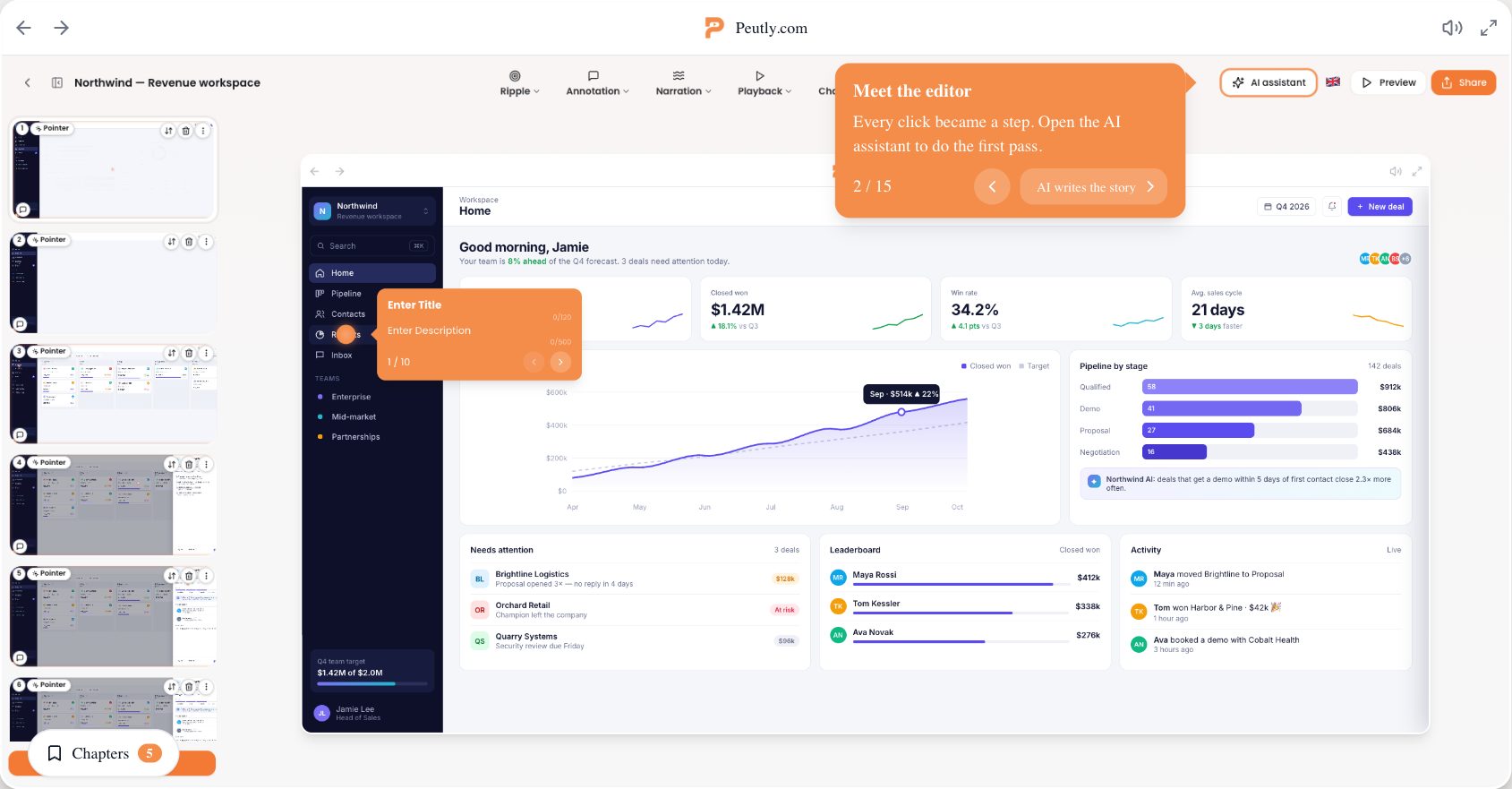
Click through a real Peutly demo
Built and published with Peutly. Click through it the way your viewers would.

Let your product be the pitch.
One embed snippet turns your highest-traffic page into a hands-on demo. Free for 14 days.