
Free users see paid features in the empty states they are already staring at.
Most product-led companies treat empty states and paywalls as dead pixels. Replace them with an embedded Peutly demo and the free user gets a 60-second walkthrough of the feature they just tried to open, in the moment they wanted it.
Paywalls are pricing-page links. Pricing pages don't convert.
When a free user clicks a paid feature, the typical product shows a modal that says 'Upgrade to see this'. They bounce to /pricing, lose the context of what they wanted to do, and never come back. Embed a Peutly demo in that same modal and they click through the paid feature working in your real product, at the moment they asked for it. If they want to talk, the form sits on the step itself, not three pages later.
What it looks like in Peutly
Your product, not a mock.
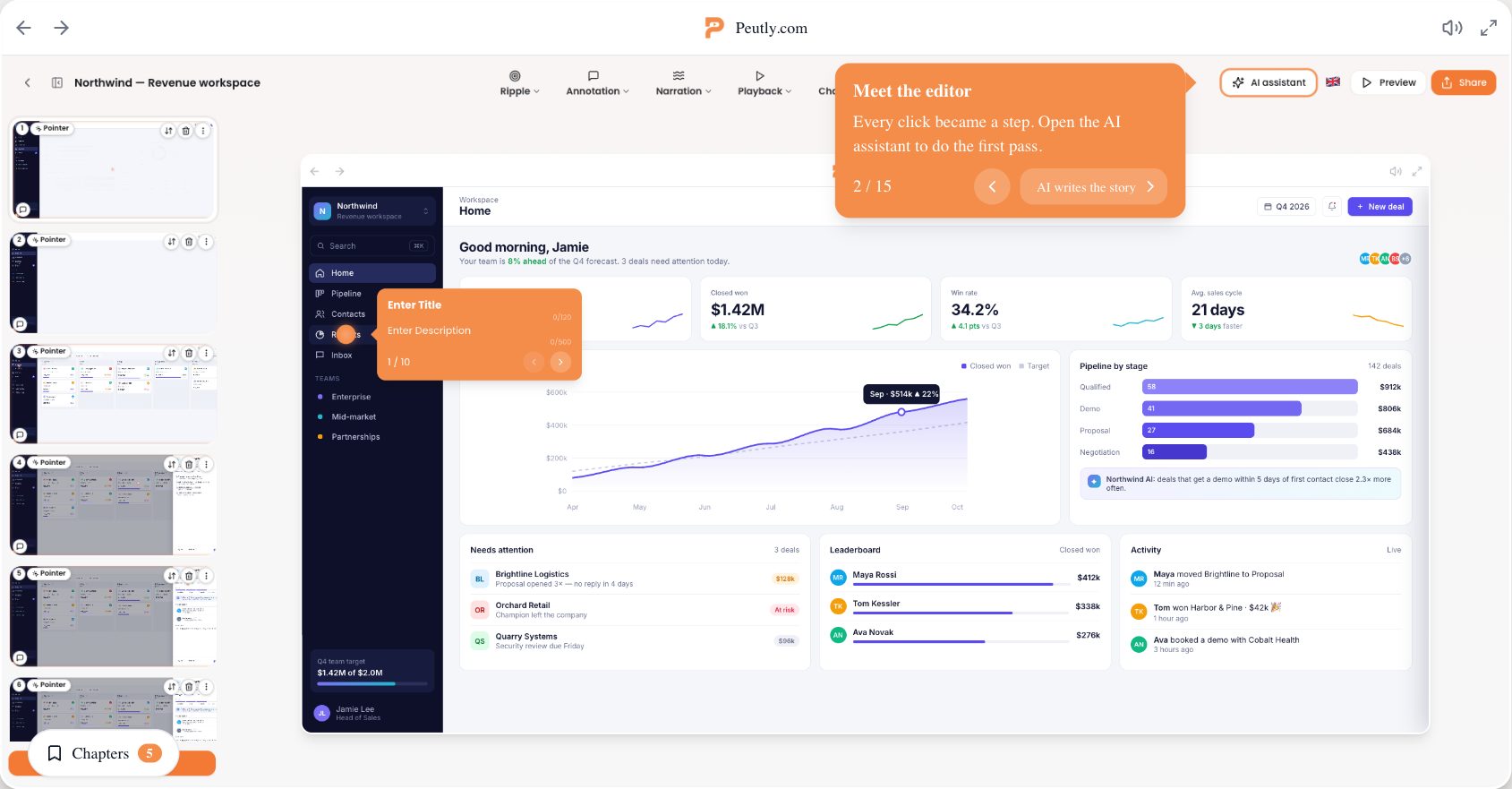
The demo replays the real HTML your app rendered. Rewrite the text and swap the images inside it so the example fits the audience.
Edit after capture
Change any text or image in the captured screen.
Blur what should not be on screen
Blur, hide or remove any element before you publish.
Open it where the limit hits.
Drop the embed snippet into your existing paywall, empty state or limit prompt.
Embed in any modal
Inline or as a popup.
You decide when it opens
Render the snippet where the free user hits the limit, or hang it off your own trigger button.
What changes with a captured demo
What working from a capture instead of a live environment or a recording changes for this team.
Paywalls become demos
Instead of a link to /pricing, free users click through the paid feature in your real product.
Context survives the moment of intent
No bounce to a pricing page. The upgrade conversation starts where the user already was.
Per-feature clarity
Publish one demo per gated feature and compare impressions, completions and leads per demo. Analytics are on Pro and up.
Four capabilities you will lean on every week
Each is a first-class feature, not a bullet on a roadmap.
Embed in any modal
Drop the embed snippet into your existing paywall, empty state or limit prompt. Inline or as a popup.
Your product, not a mock
The demo replays the real HTML your app rendered. Rewrite the text and swap the images inside it so the example fits the audience.
You decide when it opens
Render the snippet where the free user hits the limit, or hang it off your own trigger button.
Blur what should not be on screen
Blur, hide or remove any element in the editor before you publish. Password fields are masked at capture; everything else is captured as-is.
A typical workflow
The four steps customers walk through to stand this up.
List your paywall moments
Write down every empty state, limit prompt and gated feature in your app. That's your demo inventory.
Capture and clean it up
Walk the flow once with the Chrome extension, then rewrite labels and blur anything internal in the editor. Desktop only.
Embed as a popup
The embed snippet opens the demo over your own page, so there are no React rewrites.
Compare per feature
One demo per gated feature, then compare impressions, completions and leads. Analytics are on Pro and up.
Click through a real Peutly demo
Built and published with Peutly. Click through it the way your viewers would.

Stop letting paywalls eat your conversion.
Embed a Peutly demo in every modal that gates a paid feature. Free for 14 days.